
The SINGLE Post Feature the Algorithm Rewards With 2× More Reach in 2025
We analyzed 32 posts and found a simple pattern: posts with media are far more likely to be pushed into Feed and earn 2× more reach.
Live breakdown showing how posts with media increase the likelihood of getting shown on the "For You" page.
Most people assume they need to completely reinvent their content to get more reach. In reality, the algorithm consistently rewards one simple thing: posts with media.
What We Found in the Data
We reviewed 32 posts from a live campaign. Admittedly a small sample, but the pattern was clear enough that you can verify it yourself by scrolling your feed right now.
Of those 32 posts, 12 were text-only, 13 included an image or video, and 7 were reposts.
Here's what stood out: 50% of the non-repost content that performed best had media attached. Same account, same topics, same posting schedule. The only consistent difference was whether there was an image or video.
Why Media Gets More "For You" Reach
Posts with images or videos keep people on the platform longer. They rack up more dwell time, more clicks, and more saves. These are all strong signals the algorithm loves, so it pushes those posts into more feeds.
Test This Yourself
Don't just take my word for it. Open LinkedIn right now and scroll your feed. Count how many top-performing posts have media versus plain text. You'll see the pattern immediately.
How to Use This in Your Daily Posting
- Turn at least one strong post per day into a media post: screenshot, chart, carousel, or short clip.
- Pair your best hooks with a simple visual that reinforces the point instead of distracting from it.
- When in doubt, post the same idea twice: once as text-only and once with a supporting image or video. Then watch which one the algorithm picks up.
Bottom line: if you want more reach, stop posting nothing but text. Make media posts a non-negotiable part of your system.
How to Choose Scroll-Stopping Images
You can't just slap any image on a post and expect it to perform. The image has a job: make the post easier to understand and harder to scroll past.
Good Images Do Two Things
- They are relevant. The image should reinforce your point, not feel random or tacked on.
- They catch attention. Strong composition, a clear subject, and contrast that pops in the feed.
Examples of Effective Media Posts
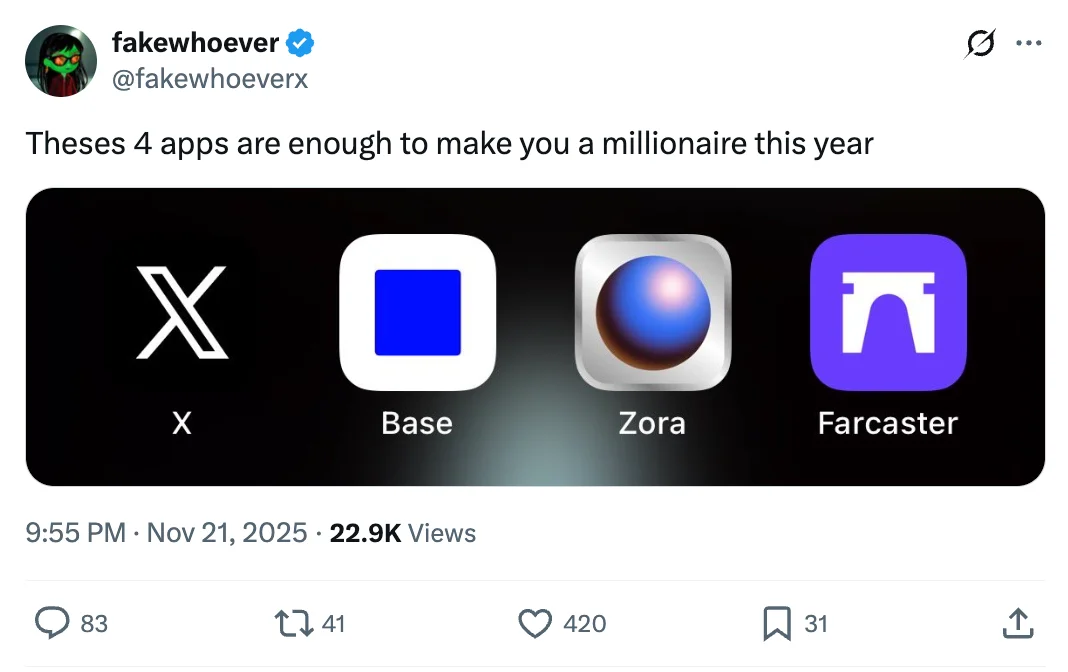
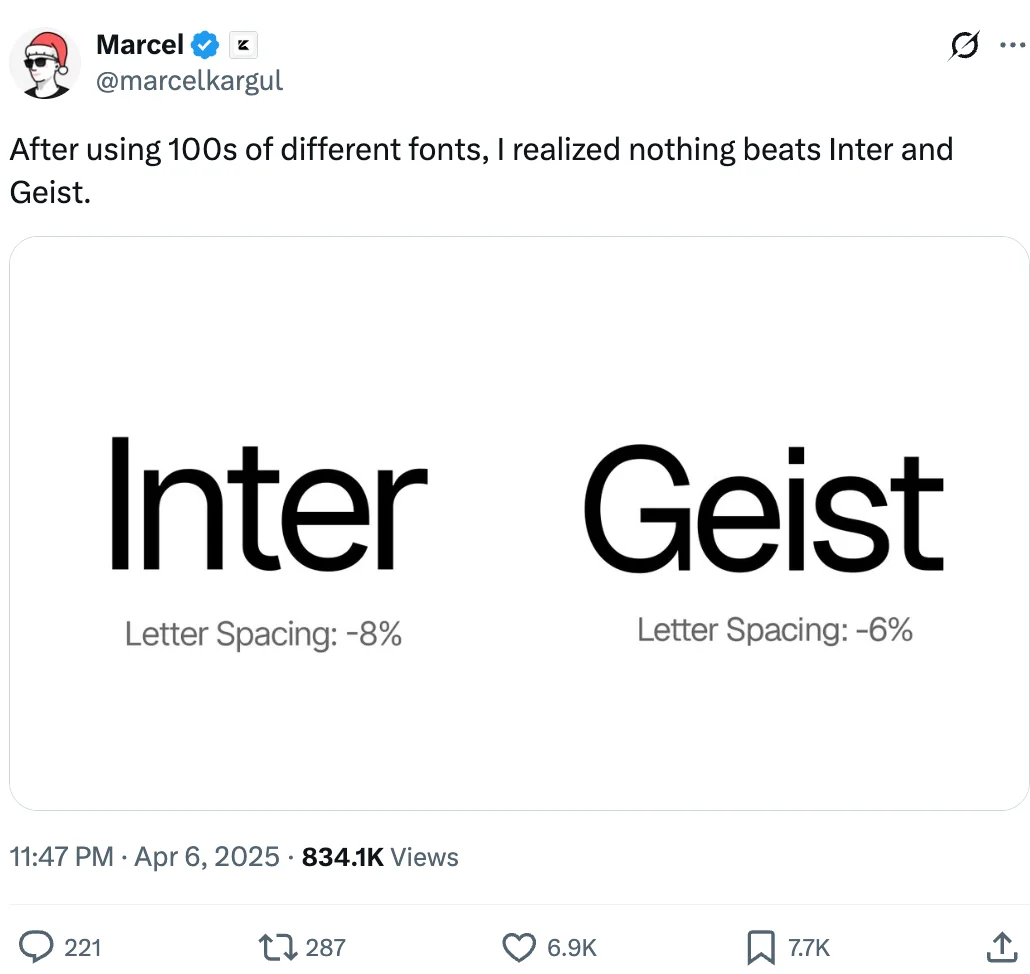
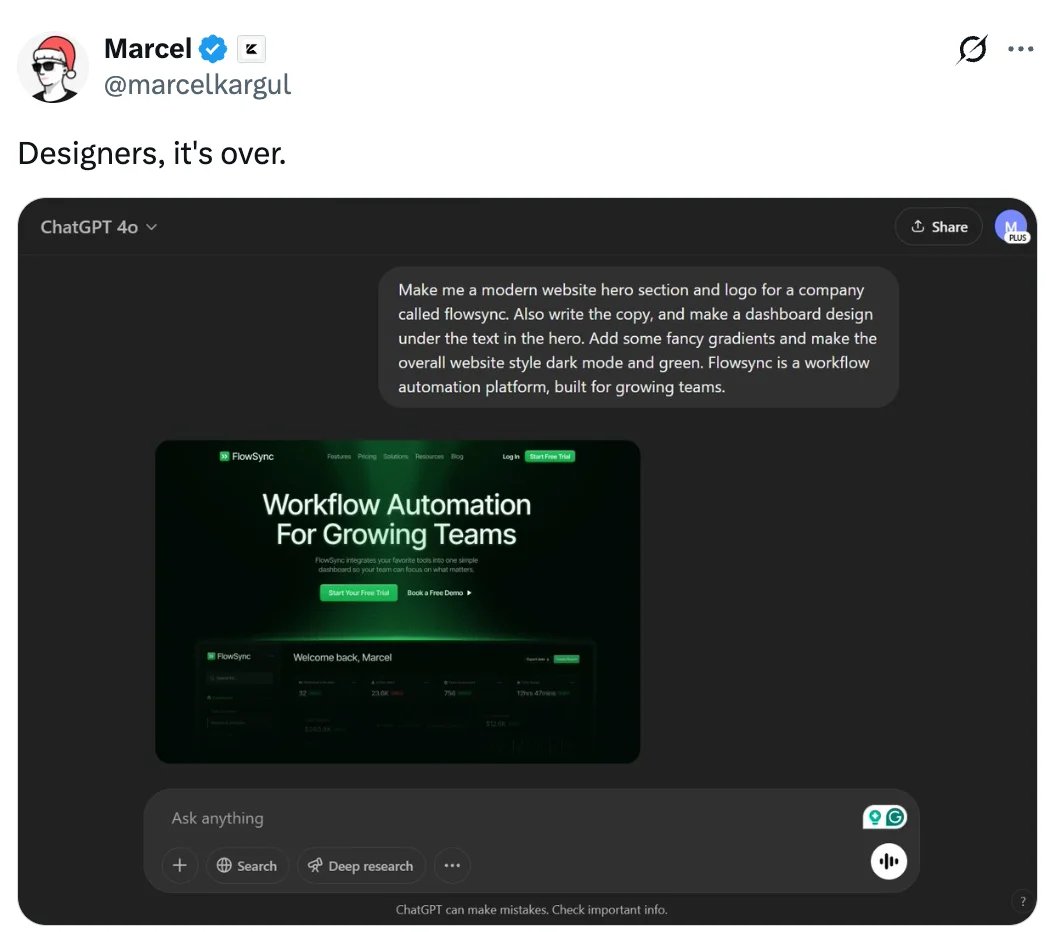
I like using stills from movies and TV shows. They are recognizable, relatable, and help you create a stronger vibe. The right frame can communicate emotion and context before anyone reads a word.
Where to Find Great Images
Here are a few places to pull high-quality stills from popular movies and shows:
- ShotDeck: 14-day free trial, best quality for cinematic stills at https://shotdeck.com
- Flim: Free and fast, though image quality is lower at https://app.flim.ai
- MovieStillsDB: Large free archive of movie stills at https://www.moviestillsdb.com
For example, an image like the one below gives you an instant vibe and story in a single frame.
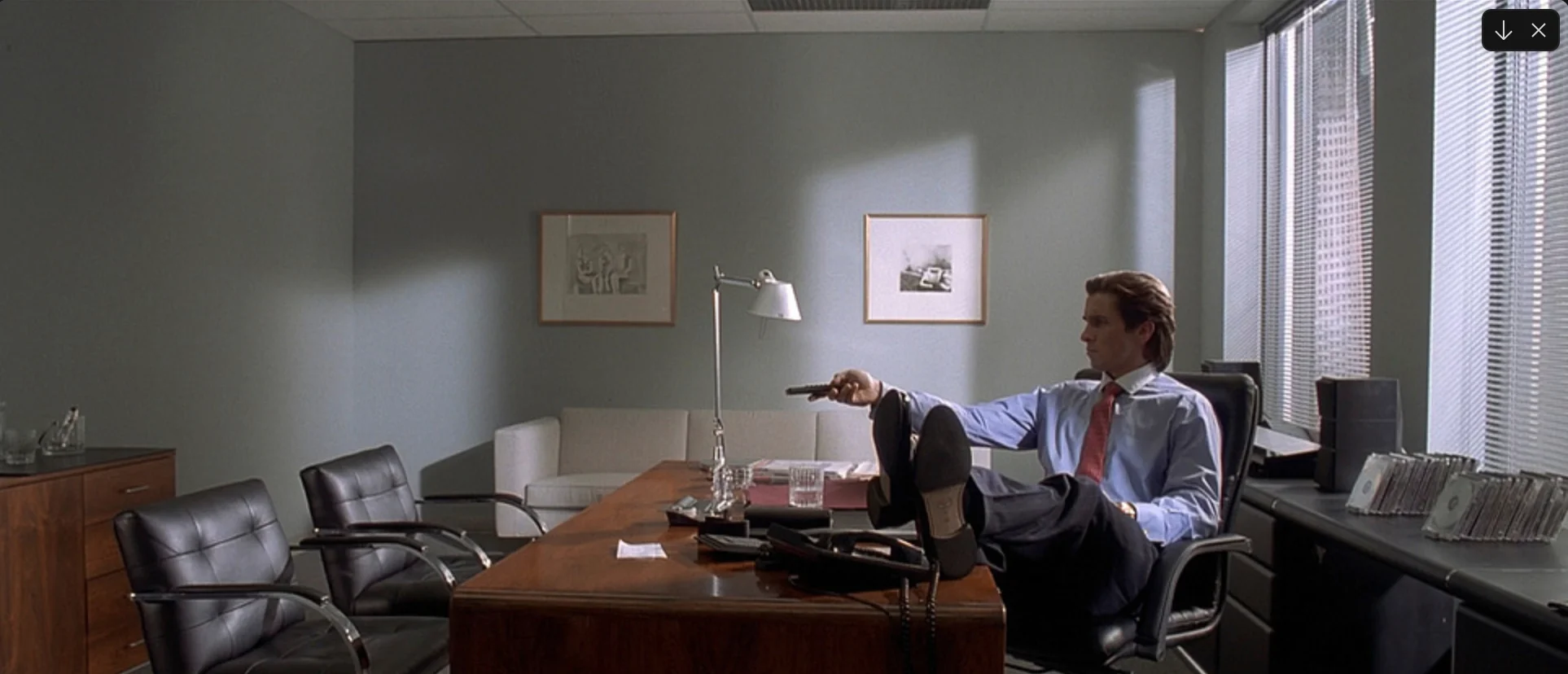
Another option is using Gemini 2.0 Flash (inside https://gemini.google.com/app). You can generate custom visuals that match the exact scenario or metaphor your post is about.
Where to Find Movie Clips
If you prefer short moving clips instead of still images, a great place to find movie clips is clip.cafe. You can pull short, recognizable moments that instantly add context and motion to your post.
Example of a short movie clip you could repurpose as supporting media for a post.
How to Record Scroll-Stopping Professional Videos
If you want to go beyond static images, short video clips work even better. I'm on Mac and use Borumi (the video at the start of this page was recorded with it), but there are plenty of similar tools if you search “screen recorder virtual background auto zoom.”
The idea is the same: use software with auto-zoom, a clean virtual background, and simple editing so you can trim dead air fast. The easier it is to record and clean up a clip, the more likely you'll post consistently. And the more chances you give the algorithm to reward you.